
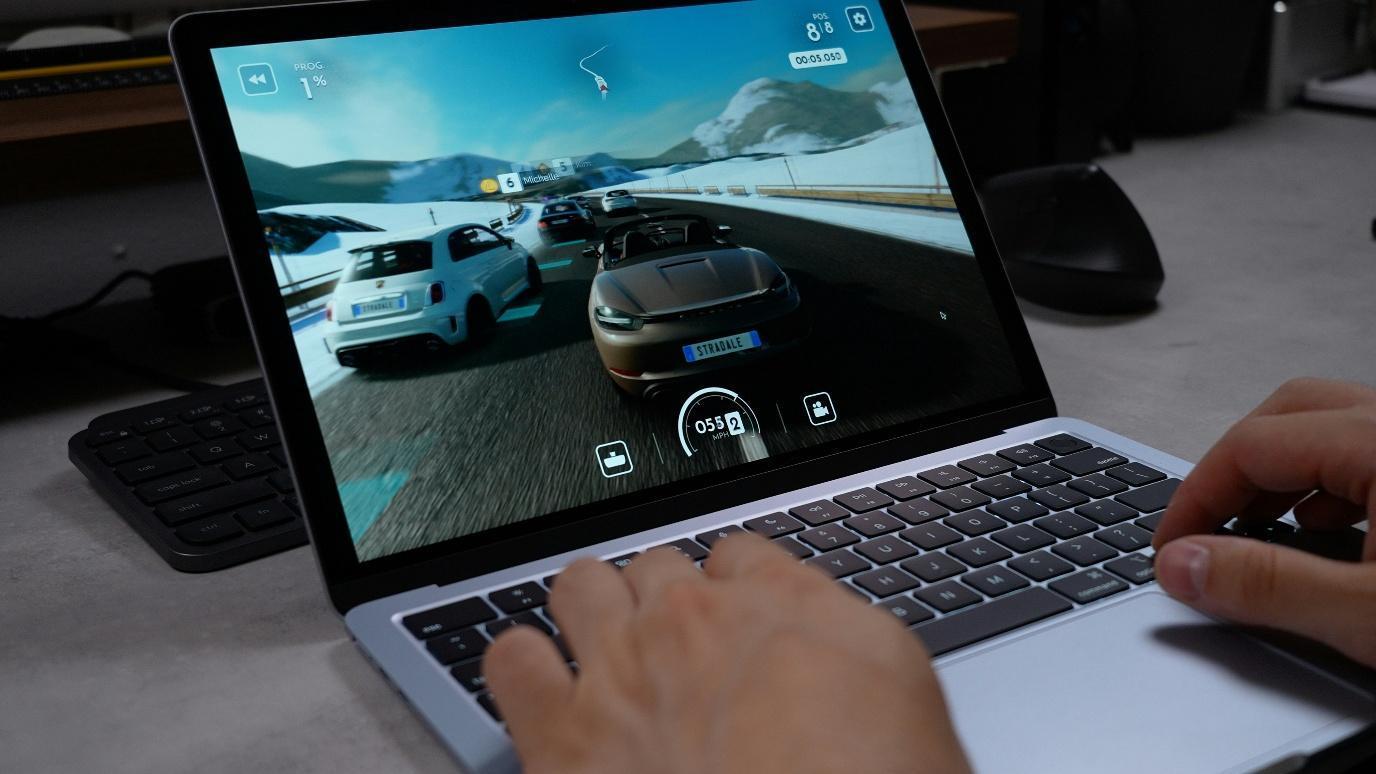
When you’re looking to play a simple game of any kind, whether it’s on PC or on a mobile device, chances are that you’re going to do it in a browser rather than a native app. Given that the feeling is that your system runs the game in a browser window, how exactly does your device manage the assets of the game if you didn’t download it?
This is what this article will explore. It will look into the process of loading the parts of a game, the mechanisms that make it possible, and why the loading time is particularly important given the nature of browser-based games: quick, in-and-out activities that should not take too much time to boot.
We will explore the parts that lead to an efficient loading process, and then discuss the ins and then discuss related matters that may have an influence on the difficulty of these aspects.
Exploring the loading process and what goes into it
When a game loads in a browser, it needs to load the assets of the game, which are its code, images, sound, and music. For this to happen, there is an initial download, which consists of the assets arriving before you can actually start playing. This initial process adds the essentials only, with the rest of the assets loading progressively as you play.
The initial download is particularly important because those megabytes allow you to access the main screen of the game. The moment the gameplay starts, it means that you have downloaded enough assets for the game to be functional.
As for the upper threshold up to which the assets can load, some portals use 250 megabytes as the limit; others cap it at 20 megabytes, depending on the type of game or the number of required assets. The size of the downloaded package can slow things down, hence the issue at hand.
However, the procedure behind this initial download differs. A progress bar may or may not be part of what you see when the game first loads, while others rely on the idea of splitting the downloaded content across multiple stages.
The rendering mechanisms
Since rendering is how the browser draws frames on your screen, it requires APIs like Canvas and WebGL (or WebGPU).
WebGL is what essentially allows the browser to use the device’s graphics card for detailed visuals. However, it’s becoming more and more phased out by WebGPU, which is its replacement that allows for more direct access to the graphics card. It increases the power with which your GPU can run the game’s assets.
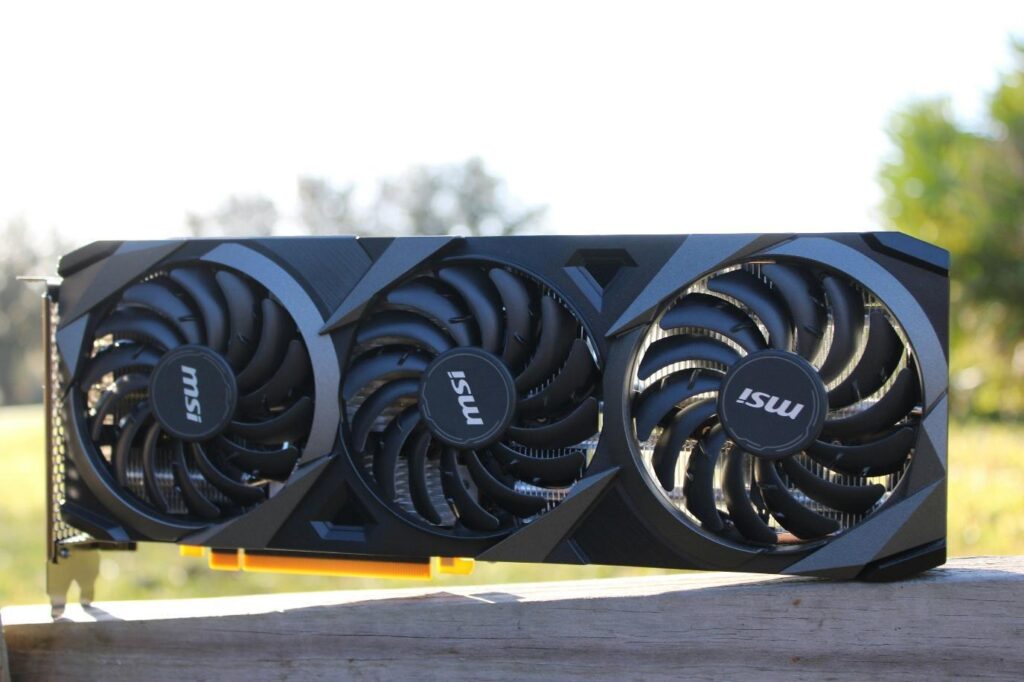
The timeline for rendering mostly relied on WebGL 1.0 (launched in 2011) and 2.0 (launched in 2017), with the latter being the basis for over a decade of in-browser play. Google Chrome launched WebGPU in 2023, and, according to a Khronos Group material on WebGL, most browsers have integrated WebGPU as of July 2026.
Assessing the commercial importance of fast loading times
Web game developers and publishers basically assess the share of users who actually reach and play a game by loading it.
Poki, for example, compared 174 of its games and analyzed its results on the US market, finding that 80% of the market, which got through the 10-megabyte initial download, actually got through the loading phase. Then, it looked at the results from the Egyptian market, and the result was that almost 50% of users were lost at the loading screen.
Even the CrazyGames developer documentation, from a company that records over 50 million monthly players across its titles, considers a few extra seconds to be potentially decisive in whether some stick around or leave.
Why outcome determination matters
Outcome determination makes results particularly important in all kinds of games. The parties involved are the client, which is your browser-device combo, and the server, which is the computer run by the operator. The outcome dictates the result of a game round, and, in games of chance, this happens on the server, not in your browser.
In the context of casino gaming, New Jersey’s legal definition states that a server-based game on a player device will display results from an RNG hosted on a server. Your device cannot contain account information or the game’s logic, which defines the outcome, per the fixed-odds wagering.
Once the RNG system picks an outcome, your device will display it without the possibility of a second selection and without misleading elements. However, the New Jersey Administrative Code also mentions that the previous results and balance of your previous games, especially after an outage, must be clearly visible.
This system of outcome determination happens regardless of whether you pay for a round. Testing slot spin offers sourced from https://www.slotscalendar.com/no-deposit-free-spins/ shows that the mechanism works the same, which exemplifies the server-located RNG determination protocol.
How do RNGs work in the context of browser games?

Random number generators are algorithms, usually software, but also hardware, that produce unpredictable numbers. However, it also needs to scale down, since the RNG system needs to adapt itself to the result required by the game. Moreover, the numbers generated by the algorithm need a visual representation, which can be something like symbols or strikes.
In the world of online gambling, where these digital RNGs are core pillars of the gaming mechanisms, regulators that license casinos are those that dictate how RNGs ought to operate. For example, the UK Gambling Commission states that an RNG might produce a number between 1 and 100,000, and then scale it down to the 52 possibilities of a pack of playing cards.
Moreover, there is the idea of a result being acceptably random, which means that the result can be shown with high confidence because statistical test sets show that outcomes are random, per the RTS 7 code.
There’s also the caveat of what losing looks like. It’s simple: a game cannot swap a long outcome with one looking like being closer to a win. That would be a clearly illegal practice that qualifies as a so-called fake near miss.
Conclusion
When a browser game loads, it collaborates with the server. The browser handles speed and visuals, while the server handles the results and connectivity, especially if it operates on an online framework for multiplayer. Rendering protocols are continuously improving, which allows developers to add more assets and more complex mechanisms.
If you’re also playing browser games that happen to be games of chance, don’t forget that you would be engaging in gambling, so do it if you’re 21+ or the minimum gambling age in your country. Call 1-800-MY-RESET if you need help in the US, or contact Gambling Therapy.