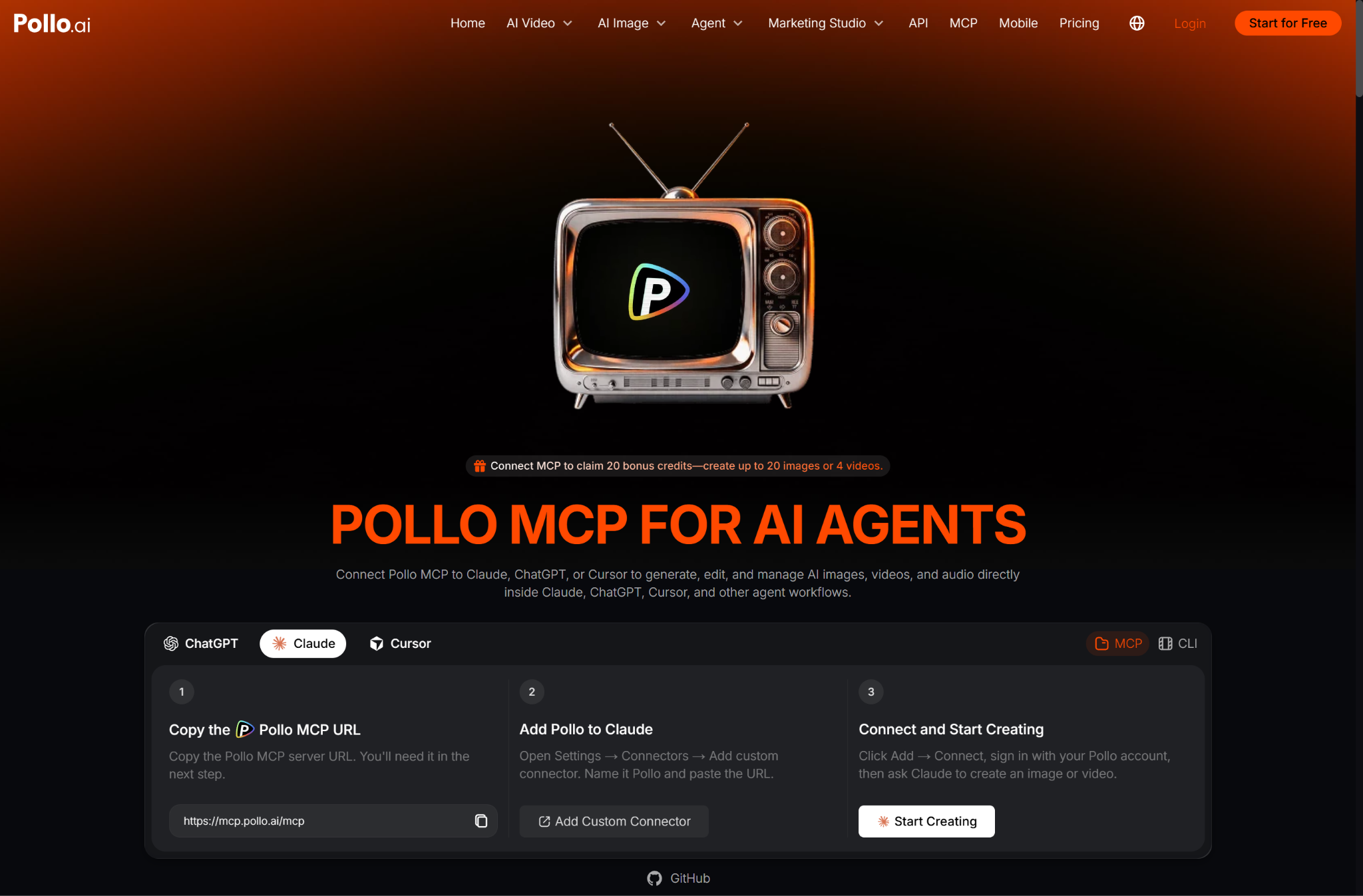
If you already use Claude to develop campaign ideas, write scripts, or plan product content, Pollo AI can help you turn those ideas into images, videos, and audio within the same workflow. This guide explains how to connect Pollo MCP to Claude and use Story, UGC, and Video Ads workflows to create practical marketing content.
What Can Pollo MCP Create?
Pollo MCP can help you turn a brief, script, product image, or campaign idea into a structured creative task. You can create narrative videos with Story, creator-style product content with UGC, and promotional assets with Video Ads.
These workflows are designed for different marketing needs:
Workflow | Best for | Possible output |
Story | Scripts, concepts, and narrative ideas | Story-driven videos |
UGC | Product demonstrations and creator content | Reviews, unboxings, and demos |
Video Ads | Product promotion and paid campaigns | Short advertising videos |
Image generation | Product and campaign visuals | Product shots and social assets |
Audio generation | Voiceovers and narration | Product explanations and dialogue |
The main advantage is continuity. You can ask Claude to develop the idea, call Pollo AI to create the asset, and then continue refining the result without repeatedly moving between platforms.
Why Use Pollo AI Inside Claude?
Pollo AI gives Claude access to a broader creative workflow, rather than limiting the process to text generation. You can create images, videos, and audio, try different models, compare creative directions, and continue working from the same conversation.
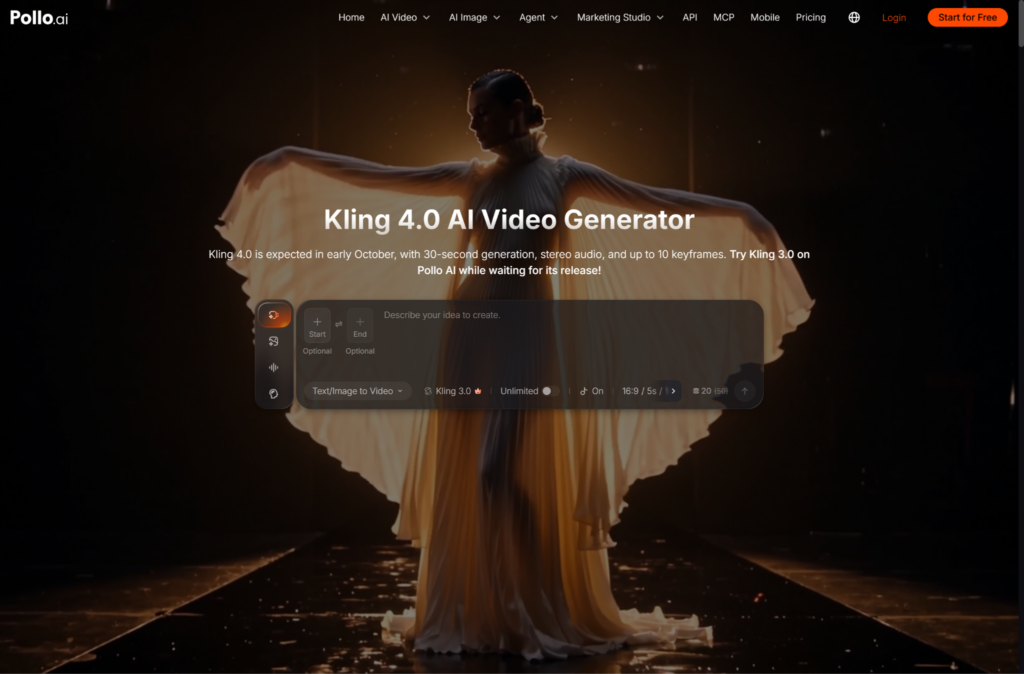
For video generation, you might test Kling 4.0, Seedance 2.5 or Wan 3.0 depending on the required motion, references, and visual style. For image creation, models such as GPT Image 2.5 and Nano Banana 2.1 can help prepare product visuals before they are used in a video.
Pollo MCP also supports batch exploration. You can submit up to 12 image or video generation tasks in one batch, making it easier to compare different hooks, settings, visual styles, or ad concepts.
How Do You Connect Pollo MCP to Claude?
You can connect Pollo MCP to Claude by adding Pollo as a custom remote connector and authorizing your Pollo account in the browser. The exact labels may vary slightly by Claude client or plan, but the basic setup follows the same steps.
https://mcp.pollo.ai/mcp
Start with a simple request to confirm that the connection works:
Use Pollo to create one product showcase image with soft studio lighting and a premium commercial style.
MCP and CLI are different connection methods. MCP allows compatible AI applications such as Claude to call Pollo AI as an integrated tool, while CLI allows coding tools such as Codex to use Pollo AI through terminal commands.
How Do You Create a Story Video in Claude?
Story is the best workflow when you have a narrative idea, script, or sequence of scenes. Ask Claude to turn the concept into a short video brief with characters, setting, pacing, visual style, and a clear ending.
For example:
Turn this idea into a short Story video about a commuter discovering a compact portable charger. Create three visual directions with different opening scenes and a clear product benefit.
Review the first output before asking for more complex scenes. Story videos may still need refinement when they include many characters, rapid scene changes, or precise dialogue.
How Do You Create a UGC Video with Pollo MCP?
UGC is useful when the product needs to feel demonstrated, reviewed, or used by a creator. Give Claude the product details, target audience, key benefit, and desired creator tone.
Try this request:
Create three UGC video concepts for a portable blender aimed at busy professionals. Each concept should include a three-second hook, a natural product demonstration, one clear benefit, and a direct call to action.
You can then ask Claude to generate multiple versions, compare the hooks, or revise the strongest concept. Product images, packaging text, and hands should still be checked carefully because AI-generated details may change.
How Do You Create Video Ads and Audio?
Video Ads is the right workflow when the goal is promotion, conversion, or campaign testing. Ask Claude to structure the ad around a hook, product benefit, supporting visual, voiceover, and call to action.
Production item | What to check |
Video variation | Model, duration, aspect ratio, and credits |
Voiceover | Tone, pacing, language, and pronunciation |
Voice cloning | Use only your own or authorized voice |
Batch generation | Number of options and total credit usage |
Before submitting a large batch, ask Claude to check your remaining credits and estimate the likely cost. Credit usage varies by model, duration, resolution, and number of outputs.
Start Creating with Claude and Pollo MCP
Connect Pollo MCP to Claude, begin with one focused Story, UGC, or Video Ads request, and refine the strongest result. Once the workflow is working, use Pollo AI to compare models, generate up to 12 creative options, add voiceovers, and turn one brief into publish-ready marketing content.