
Suggested Meta Description: Logistics software works best when it shares data automatically. Here is what direct integration means, what disconnected tools cost, and what to ask before choosing new software.
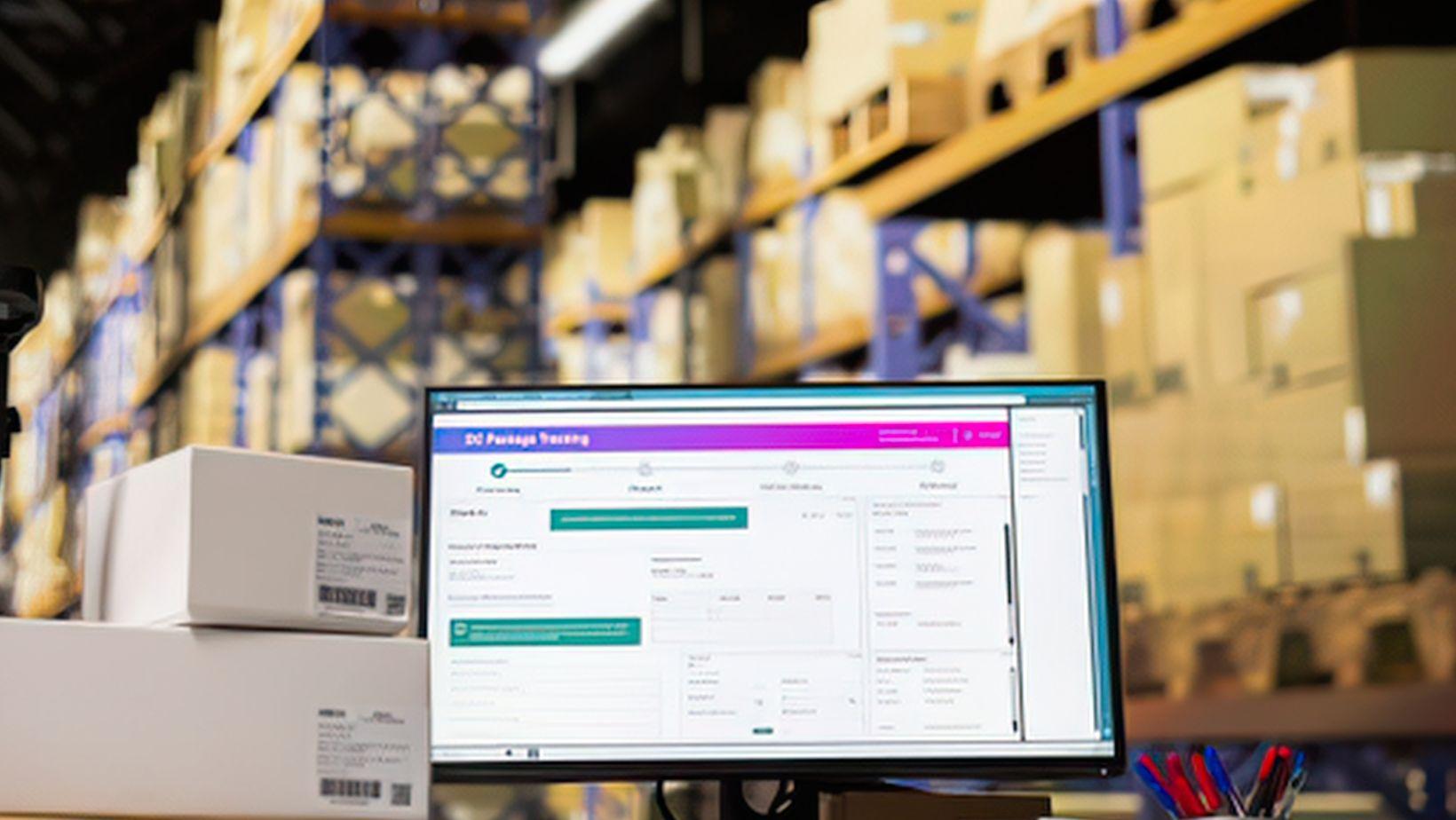
Follow one order through an ordinary week. On Monday it is entered in the order system. On Tuesday the warehouse picks it, and someone types the details into the warehouse system. On Wednesday it ships, and the carrier's portal gets the same information again. On Thursday it arrives, and a condition note lands in someone's inbox. By Friday the same order lives in four places, and a person has moved information between them by hand at least three times.
None of those steps is hard. Together, they are the quiet tax that disconnected software puts on a logistics team, and direct integration is how that tax gets removed. The pattern is common. In MuleSoft's 2026 survey of 1,050 IT leaders, the average organization ran 957 applications, and just 27% of them were connected. (MuleSoft sells integration software and the sample is enterprise IT leaders, so a logistics operation's numbers will differ.)
What Disconnected Software Really Costs
The obvious cost is time. Re-typing an order into a second system takes a few minutes, and a few minutes repeated across every order adds up to someone's job. The less obvious costs are errors and drift. Every manual copy is a chance for a typo, and every system updated on its own schedule is a chance for two records to disagree.
Disconnected systems also make it hard to trust any single number. If the order system says one thing and the warehouse system says another, someone has to decide which one is right, and every report built on either one inherits the doubt.
When a customer asks a simple question about a shipment, the cost shows up as waiting. Someone has to find the order, find the delivery record, find the condition record, and make sure all three describe the same load.
So when you start looking at a new tool, ask a plain question early: how does this connect to what we already use? The answer shapes which plan makes sense. Proof of condition software pricing is worth reading closely for what it includes beyond capture itself: how many people can use the system, how much it can store, and which of your existing systems it connects to.
What Counts as Direct Integration?
"Integrated" can mean very different things, and it helps to know where a tool sits. At one end is the export-and-upload routine, where someone downloads a file from one system and loads it into another. It works, but it depends on a person remembering to do it.
A step up is the scheduled file transfer, where the files move on a timer. That removes the memory problem, but the data can still be hours behind.
At the far end is a direct connection. Two systems exchange information automatically, through an API or a built-in connector, so a record created in one appears in the other without anyone touching it. Add shared sign-on, where people use the credentials they already have, and access is managed in one place instead of several.
Isn't an Export File Good Enough?
Sometimes it is. For monthly reporting or a low volume of orders, a regular export may be all you need, and a full integration would be more work than it is worth.
That changes when the data has to be current, or when the same information is entered twice. A condition record that arrives a day after the delivery is useful for a report and not much help in a live dispute. If a process depends on someone remembering to move data, it will eventually be missed. That is usually the signal that a direct connection is worth the effort.
How This Shows Up in a Plans Comparison
Here is what that looks like on a real plans page. LoadProof's plans page lists integrations including Zapier, which connects to thousands of apps, Okta and Azure single sign-on, an export of load records for ERP and warehouse management systems, and a claims portal connection. Some are listed as add-ons, and the Complete plan adds deeper integrations. The details matter, because they show what connecting the tool to the rest of your operation actually involves.
That is the kind of detail worth comparing when you weigh proof of condition software pricing: not just the number of users and the amount of storage, but what the software connects to and how much of that connection is built in. Software that works well on its own is useful. Software that works with the rest of your stack keeps an order from living in four places by Friday.