
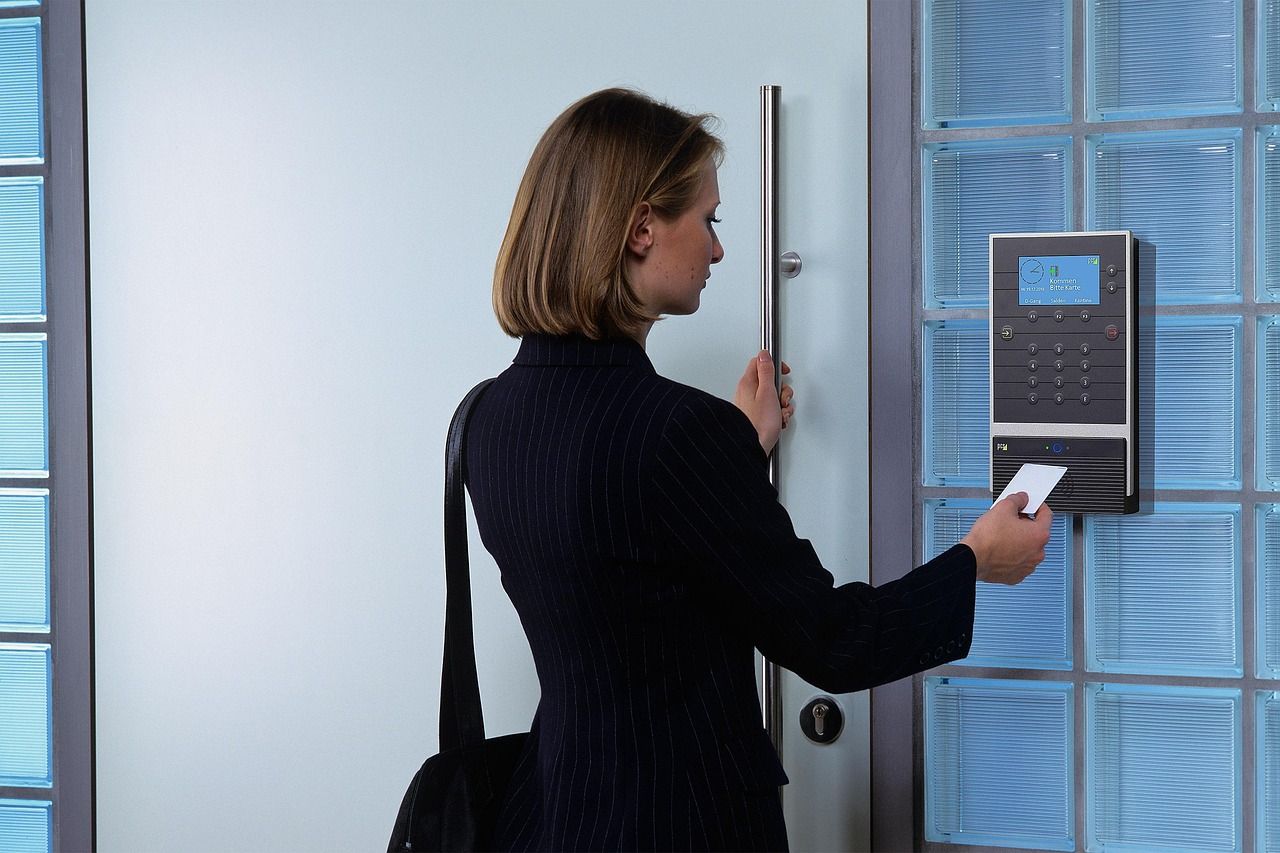
Tech companies often invest heavily in network defenses while giving less attention to the offices, data rooms, and shared facilities where their systems operate. That gap can expose valuable information even when digital controls are strong. An expired contractor badge, an unlocked equipment room, or a visitor who enters behind an employee can bypass layers of technical protection. Closing these gaps requires IT, facilities, and security teams to treat physical access as part of the same risk program.
The Perils of Cyber-Only Focus
Cybersecurity teams monitor login attempts, software vulnerabilities, and unusual network activity, yet those controls can’t always stop someone with direct access to a device. The connection between physical access and cybersecurity becomes clear when an unattended laptop, exposed network port, or unlocked server cabinet creates an easier path to sensitive data.
Start by adding facility risks to regular security reviews. Teams should document who can enter offices, labs, and infrastructure rooms, then compare those permissions with current job duties. Include physical incidents in tabletop exercises too. A useful scenario might involve a former vendor entering through a shared lobby and connecting an unapproved device to an internal network.
Vulnerabilities at the Perimeter
Weaknesses frequently appear where responsibility changes hands. Property managers may oversee the lobby, internal teams may manage office doors, and separate administrators may control critical access infrastructure. Without shared records, nobody has a complete view of movement through the building.
This overlooked physical perimeter deserves the same review discipline applied to internet-facing systems. Walk through the facility during normal operations and look for doors held open, reception blind spots, and shared credentials. Check loading areas and employee entrances after business hours as well. Small operational details matter. A door that takes 20 seconds to close may allow several people to enter on one valid credential, leaving no reliable record of who actually came inside.
Transitioning to Centralized Access
Centralize access records so administrators can issue, change, and remove permissions from one place. This becomes particularly useful when a company has several offices, hybrid infrastructure, or frequent contractor turnover. A departing employee’s access should end at the same time across relevant sites, without relying on separate spreadsheets or local updates.
Enterprise teams evaluating cloud-managed door security can consider systems that allow administrators to manage access permissions, monitor door activity, and coordinate visitor access remotely. Cardholder information can also be synchronized with external systems, helping reduce manual updates when employees join, change roles, or leave. Before moving to a new platform, map every entrance and define access groups based on job responsibilities. Run a limited pilot at one office, test alert delivery, and confirm that local procedures still work during an internet outage. Clear ownership also matters, so assign responsibility for approvals, audits, and emergency changes.
Building a Unified Security Posture
Connect facility events with existing security workflows. If a credential opens a technical room at 2 a.m. and the same identity logs into an administrative account minutes later, teams should be able to investigate both events together. Shared context shortens response time and helps analysts distinguish normal maintenance from suspicious activity.
Set a quarterly review that brings together IT, facilities, human resources, and security operations. Examine inactive credentials, repeated denied entries, doors left open, and accounts with broader permissions than their owners need. Visitor records should also show a host, approved time window, and expiration point.
A unified program succeeds when access changes follow the employee lifecycle without manual gaps. The practical test is simple: when someone changes roles or leaves the company, every relevant physical permission should update as reliably as their digital account.