
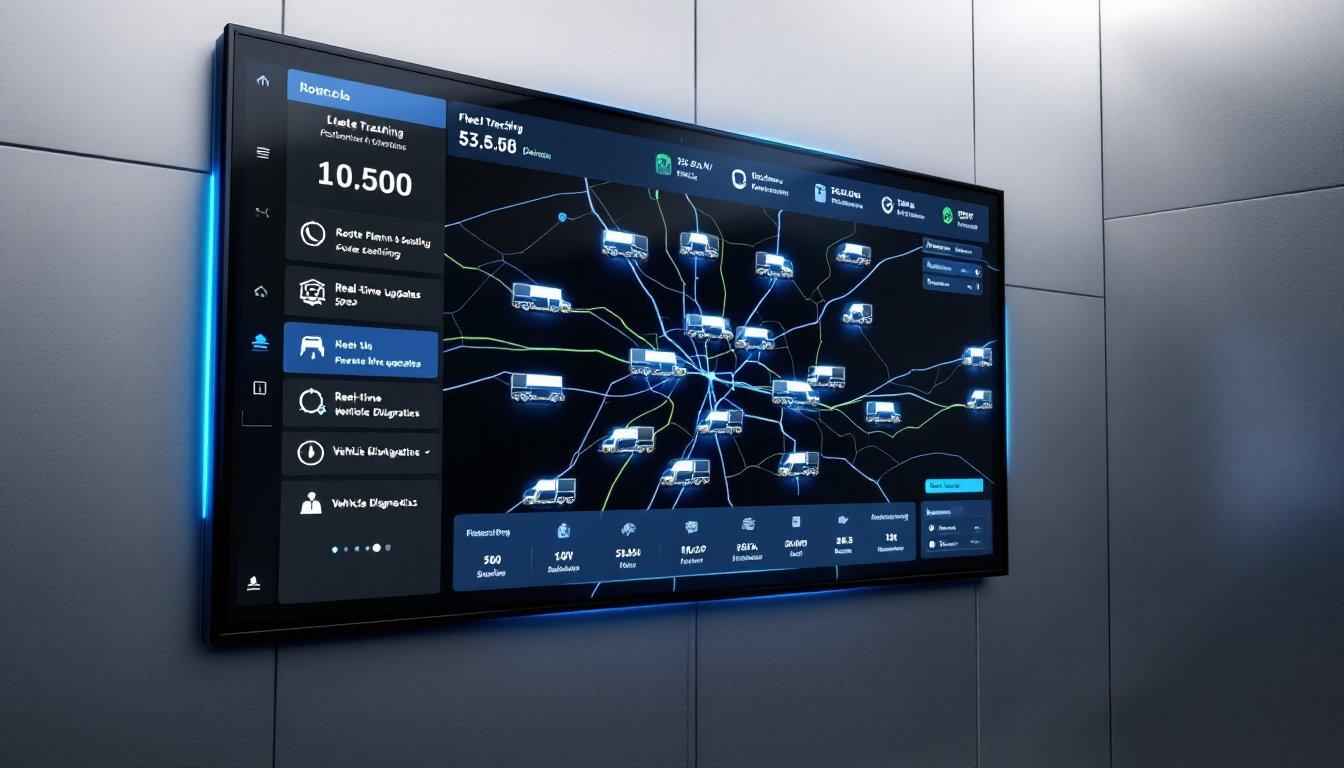
When a customer asks for a delivery update, a dispatcher may have little more than the last phone call with the driver. A vehicle can appear to be running late without anyone in the office knowing whether it has reached the site, stopped for a break or lost its mobile connection. Adding more vehicles only makes these calls harder to manage.
For UK operators considering fleet tracking, the buying question is not how many functions a dashboard offers. It is whether employees can check locations, review journeys and act on problems without introducing another administrative task. A useful evaluation starts with the work the system needs to support.
Start With a Delivery That Is Already Late
A tracking demonstration should begin with a situation dispatchers regularly encounter. A customer wants an arrival estimate, the driver is unavailable and the planning team needs to know whether the vehicle has reached its destination. The system should show the latest reported location, when that position was recorded and whether the vehicle is moving or stationary.
For transport teams handling these questions throughout the day, FleetGO offers a reliable fleet tracker system that combines its CubiQ telematics device with live maps, journey history and location alerts. Managers can review vehicle movements from one platform rather than relying entirely on calls to drivers.
The useful test is how quickly a dispatcher can find the information. A map showing every vehicle looks impressive, but the office also needs to identify individual vehicles, examine recent movements and check whether a customer stop has already taken place. A system that makes these tasks difficult may add work instead of reducing it.
Check the Quality of Location Updates
A fleet tracker uses GPS to determine a vehicle’s position and a mobile connection to send that information to the software platform. The location displayed on a screen is therefore only as current as the latest successful update.
This matters when vehicles travel through areas with poor mobile reception or remain inside buildings where signals are limited. Buyers should establish how the system displays older positions, what happens when connectivity is interrupted and whether missing journey information becomes available after the connection returns.
Hardware compatibility deserves equal attention. Some telematics devices collect information from a vehicle’s onboard systems, allowing managers to examine mileage, engine activity or other measurements alongside location data. The available information depends on the vehicle, installation and connected equipment.
A suitable demonstration should involve the types of vehicles the business operates, rather than relying entirely on a dashboard prepared for a sales presentation.
Choose Reports That Help With Daily Decisions
Trip history is useful when a manager needs to investigate an unexpected delay or establish whether a vehicle visited a customer site. The information becomes more helpful when reports can be filtered by vehicle, driver, location or time period.
Geofencing adds another way to monitor movements. A geofence is a virtual boundary placed around a location, while points of interest (POIs) identify places such as depots or delivery sites. Notifications can alert the transport office when a vehicle enters or leaves a selected area.
For a business handling frequent deliveries, this may reduce the number of routine calls needed to confirm arrivals. It can also help managers investigate vehicles moving outside scheduled hours, although an unexpected notification does not automatically mean unauthorised use.
Journey records can support decisions about running costs. Repeated idling, unplanned stops and longer routes are easier to investigate when the office has recorded movements to examine. The reports do not reduce fuel consumption by themselves, so managers need to establish why a pattern occurs before deciding whether a change is necessary.
Ask to see a route replay for a familiar journey, then check how long historical records remain accessible and whether reports can be exported for further analysis.
Driver identification deserves attention where vehicles are shared. A location record identifies the vehicle, but associating a journey with the correct driver may require additional equipment or setup. Managers should confirm how this works before relying on driver-specific reports.
Account for Driver Privacy From the Beginning
For UK businesses, vehicle tracking involves data protection responsibilities when location information identifies individual employees.
The Information Commissioner’s Office (ICO) says organisations must identify a lawful basis for monitoring workers, explain what information is collected and ensure the monitoring is necessary and proportionate. Employers must also inform workers and passengers about vehicle monitoring.
Private journeys require particular care. Where employees are allowed to use company vehicles outside work, the ICO says monitoring during private use will rarely be justified. Buyers should ask whether tracking can be paused during private journeys, how that function works and who controls the settings.
Access to stored information also needs attention. A dispatcher may need current locations to arrange collections, while another manager may need historical records to investigate a complaint. These responsibilities do not automatically justify giving every employee access to all recorded movements.
Before introducing tracking, the business should establish who can access the information, how long it will be retained and how employees will be informed. If monitoring is likely to pose a high risk to individuals, including when tracking is used to assess driver behaviour, the business must complete a data protection impact assessment (DPIA) before it begins.
Examine the Full Cost Before Signing
The full cost of a fleet tracking system should account for the equipment, software and support the business will receive. The monthly subscription is only one part of the purchase.
Hardware costs, installation, mobile connectivity and contract length all affect the total. Buyers should establish whether devices are purchased or supplied under a subscription, who handles replacements and what happens when a vehicle is sold or removed from the fleet.
Software compatibility also matters. A company already using transport planning or maintenance software may want to exchange information between systems. Buyers should ask the supplier to demonstrate the connections they intend to use and confirm whether these are covered by the proposed subscription.
Mobile access deserves a demonstration too. Managers who move between depots need to check vehicles and reports away from their desks, while office employees may prefer a browser dashboard. Both should have access to the information required for their responsibilities.
A written quotation should cover the number and types of vehicles, installation requirements, reporting needs and charges for any optional modules.
A purchasing decision becomes easier when a supplier can demonstrate the tasks the transport team performs every week. Finding a late vehicle, reviewing an unexpected stop and retrieving a journey record should not require lengthy explanations or additional manual work. The system earns its place when those tasks become easier to handle within the business’s normal working routine.