
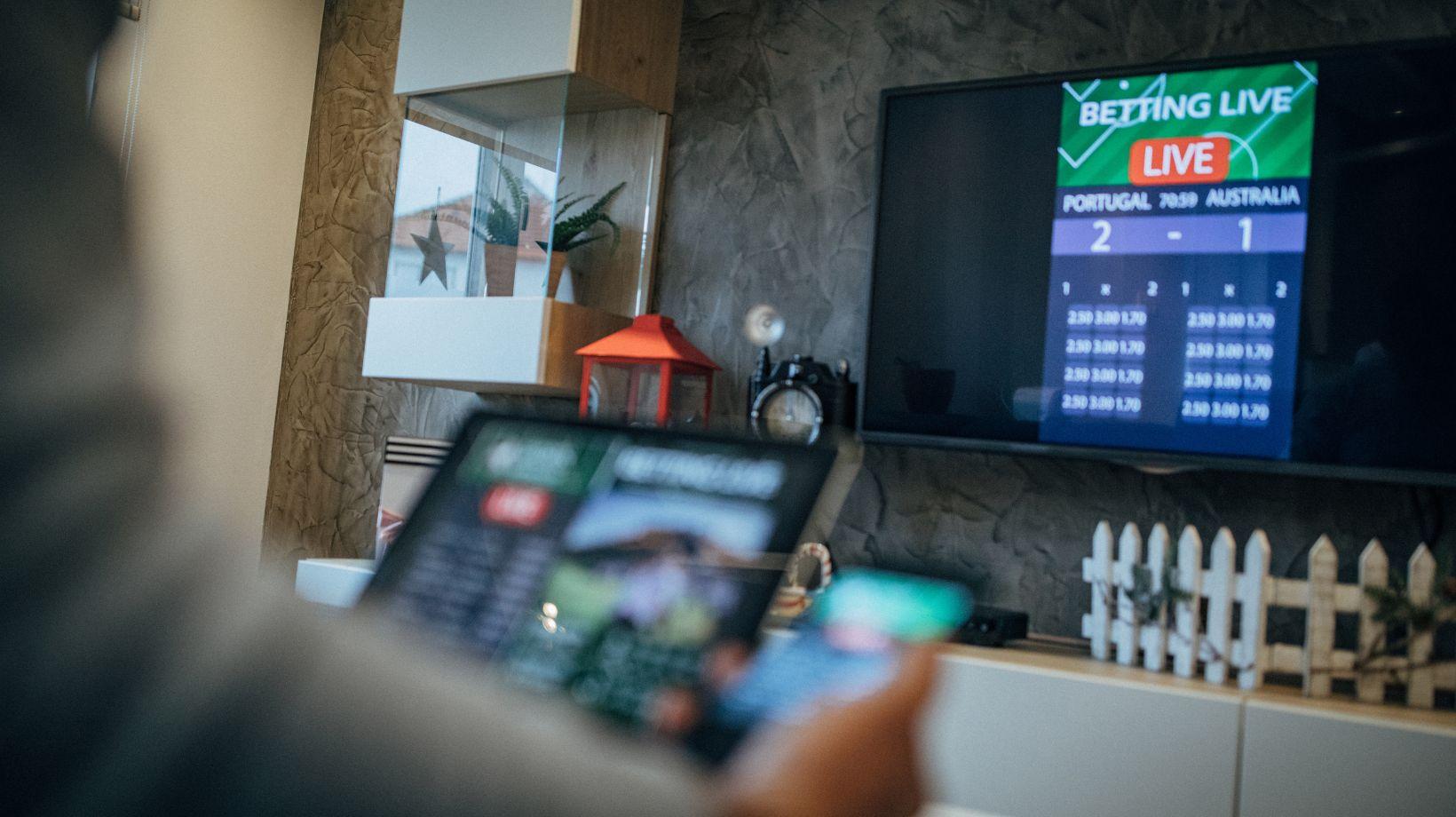
Watch a penalty shootout on a streaming app while a neighbor follows the same match on the radio, and you will often hear the cheer through the wall before you see the goal. That gap is latency. For years viewers simply accepted it, but interactive formats changed the math: a live auction, a quiz show with audience voting or a live dealer table at casino Aerobet only work when people see the action almost as it happens, because they are expected to respond. This article explains where the delay comes from, which technologies reduce it and what engineers give up to get there.
Where the Delay Comes From
Every live stream passes through a chain of steps, and each one adds a little time. A camera captures the picture, an encoder compresses it, a packager cuts the video into pieces, a content delivery network copies those pieces to servers around the world, and finally a player on your device downloads them and keeps a reserve so playback never stutters. None of these steps is slow on its own. The trouble is that the delays stack up, and the player buffer is usually the largest share.
Stage | What happens | Typical effect on delay |
Capture and encoding | The signal is compressed into a streaming format | From a fraction of a second to a few seconds |
Packaging | Video is split into segments or smaller chunks | Grows with segment length |
CDN delivery | Copies travel to edge servers near viewers | Usually tens to hundreds of milliseconds |
Player buffer | The device stores several segments before playing | Often the biggest part, several seconds |
Classic HTTP streaming formats were designed for reliability and scale, not speed. Players traditionally waited for a few full segments of several seconds each, which is why a standard live stream can trail real time by 15 to 30 seconds. For a concert that hardly matters. For anything where the viewer reacts, it is far too long.
The Protocols That Cut the Wait
Engineers have attacked the problem from two directions: making the familiar HTTP formats faster, and borrowing technology from video calls. The main options look like this:
- HLS and DASH: the workhorses of online video. They scale cheaply through ordinary CDNs, but in their standard form they carry a long delay.
- Low-Latency HLS and low-latency DASH with CMAF chunks: the same family, but players fetch partial segments as soon as they exist. Delays of roughly two to five seconds are common.
- WebRTC: the technology behind browser video calls. It sends media over UDP and can stay under half a second, but serving millions of viewers requires specialized server networks.
- SRT: an open-source protocol widely used to move video from a venue or studio to the cloud over unreliable public internet links.
In practice, many services mix them. A studio may send its feed to the cloud over SRT, then deliver it to most viewers through low-latency HLS and switch to WebRTC only where every fraction of a second counts.
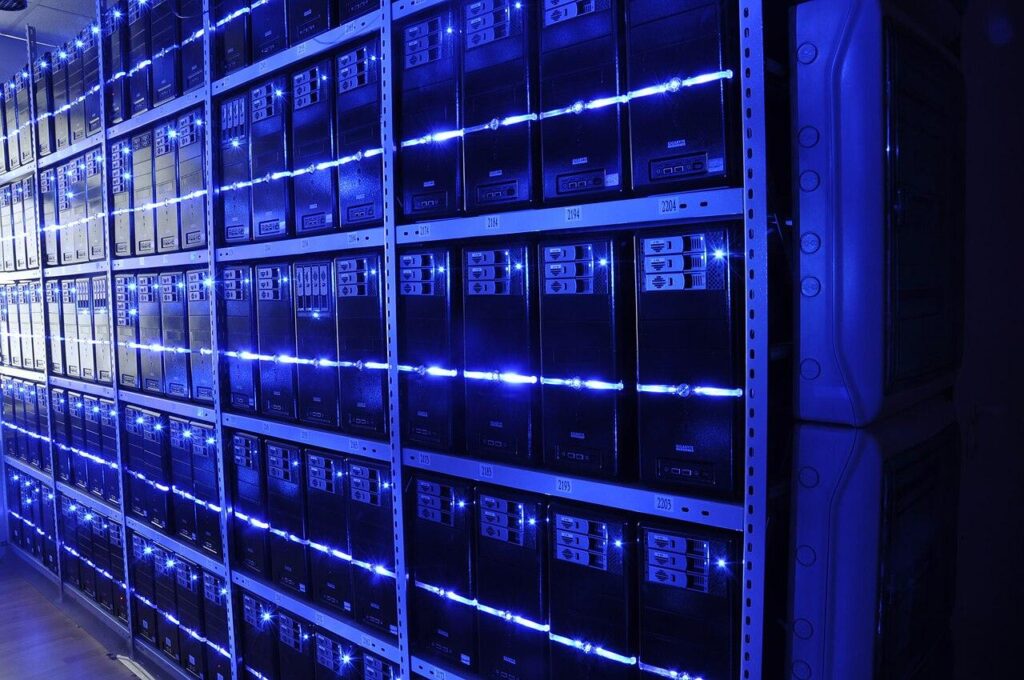
Rows of servers in a data center. Content delivery networks keep copies of live video on machines like these, close to viewers. Image: BalticServers.com, CC BY-SA 3.0, source: Wikimedia Commons.
Why Interactive Formats Need Near-Real-Time Video
Latency becomes a business problem the moment the audience can act. An online auction cannot accept bids from people who are watching a price that changed ten seconds ago. A live quiz loses its tension if half the audience already knows the answer from social media. Live shopping, in-play sports features and studio game shows all share the same requirement: what the viewer sees, what the interface shows and what the server records must line up within a narrow window.
Live casino games are a particularly demanding case. Dealer tables on online platforms usually come from specialized studios that stream real cards, wheels and dealers around the clock. A betting window opens, a timer counts down, the dealer acts and the result must appear in the video and in the interface at the same moment. Aerobet, an online casino and sportsbook with slots, live dealer games, crash games and sports betting across many language versions, is a good illustration of how invisible this work should be. Players simply see a table that responds on time, while the timing logic runs quietly in the background.
Keeping Video and Data in Sync
Most interactive services send video and data separately. The picture travels through a streaming protocol, while scores, prices or timers arrive over a lightweight data channel such as a WebSocket. Both streams carry timestamps, and the player delays the data slightly so it matches the frame on screen. Without that alignment, viewers see a result in the overlay before it happens in the video, which ruins the experience and creates fairness questions.
Scaling Without Losing Speed
Speed and scale pull in opposite directions. A tiny player buffer gives low latency, but it leaves no reserve when a mobile network hiccups, so the stream freezes more often. Adaptive bitrate streaming helps by dropping to a lower quality instead of stopping, yet every quality switch needs headroom too. Large platforms therefore tune buffers by device type and network, and they distribute WebRTC traffic through chains of forwarding servers so that no single machine carries the whole audience.
Good teams also measure constantly instead of guessing. The usual dashboard includes a short list of numbers:
What Viewers Can Do on Their Side
Even the best delivery chain depends on the last few meters. A wired Ethernet connection or a 5 GHz Wi-Fi band usually gives more stable timing than a crowded 2.4 GHz network. Large downloads, cloud backups and other streams on the same connection compete for bandwidth and increase jitter. Keeping the browser or app updated matters as well, because players receive regular improvements to their buffering logic. If a live stream consistently runs behind, closing other tabs and restarting the router is a simple first test before blaming the service.
The device itself plays a role too. Older smart TVs and budget phones often decode video more slowly and use larger safety buffers, so the same stream can run a few seconds behind on one screen and nearly live on another. When timing matters, for example during an auction or a live game, a laptop browser or a recent phone usually gives the most consistent result. It also helps to avoid casting from a phone to a television, since every extra hop adds another small delay.
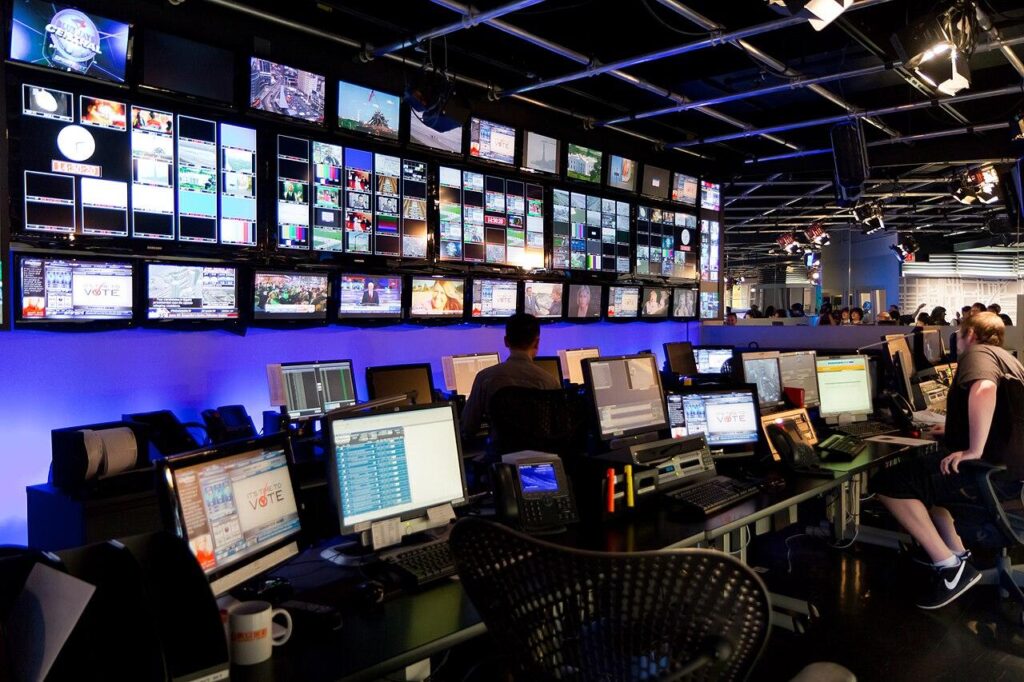
A television control room in Toronto. Live production teams monitor many feeds at once and watch timing closely. Image: Nayu Kim from Toronto, Canada, CC BY 2.0, source: Wikimedia Commons.
Where Live Streaming Is Heading
The next step is already visible in standards work. The IETF is developing Media over QUIC, which aims to combine the scale of HTTP delivery with delays closer to WebRTC. Browser APIs such as WebTransport give developers more direct control over how media and data move. Mobile networks with edge computing bring servers physically closer to viewers, removing a few more milliseconds from the chain.
For audiences, the result will feel simple. Sports apps will stop spoiling goals, auctions and quizzes will feel fair, and interactive shows of every kind will respond as quickly as a phone call. The engineering behind that experience will stay complex, but the best sign of success is that nobody has to think about latency at all.