
You have a form to sign.The government office still needs a fax. Or a business requests paperwork in a weird outdated format. None of this means you need a fax machine.
Free fax websites vary greatly from one to another. Some offer just a few outgoing pages; others refill their quotas daily. Only some allow you to receive a reply without having a paid permanent number.
FaxBurner is your best choice to begin with for occasional two-way faxing if you want to send from a phone, email inbox or computer. Other options excel at different types of sending.
In This Guide
- Quick comparison
- FaxBurner
- FaxZero
- GotFreeFax
- Fax.Plus
- How to choose
- Are free fax services really free?
- Final verdict
Want to send or receive free faxes? If so, keep reading to find out the top picks for the best free fax services available online.
Online fax service | Best for | Free sending | Receiving with free option |
FaxBurner | Send/receive occasionally from/to other devices | 5 pages outgoing total | Yes, temporary number valid for 24 hours, up to 25 pages/month incoming |
FaxZero | Send numerous short outgoing faxes in a single day | Send up to 5 faxes per day of 3 pages each, plus cover page | No |
GotFreeFax | Sends short outgoing faxes without cover sheets including branding | Up to 2 faxes per day, up to 3 pages each | Receive faxes via shared fax number (no private free receiving number) |
Fax.Plus | Larger one-time outgoing page allowance | 10 total pages | No |
The figures reflect published allowances, not guaranteed delivery.
FaxBurner’s biggest advantage over many free online fax services is that it can receive documents as well as send them. FaxBurner does incoming documents, not just outgoing. That becomes important when you need an agency, office or client to fax back a signed form.
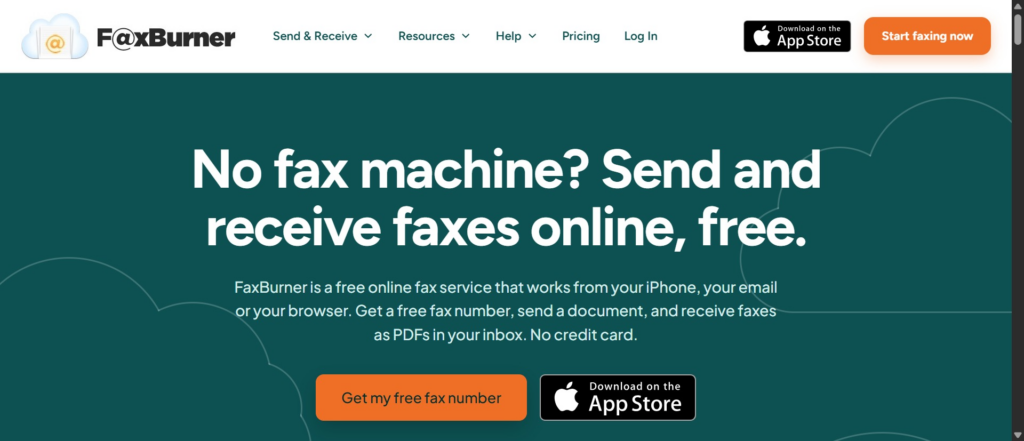
If you’re asking yourself about how to send faxes for free, know that FaxBurner includes iPhone app support, browser access and email to fax functionality. Send a PDF attachment, snap a picture of a paper document or attach a file to an email. Delivery confirmations let you know which faxes have been sent and which documents require further action.
The free plan allows five outbound pages total and 25 pages incoming per month. It also offers a 24-hour disposable fax number. Which works for a one-off exchange: send a document, provide a number for the return fax, then receive the response as a PDF.
A virtual number is meant for short term usage, not a permanent business fax number. Five outbound pages are cumulative, not five new pages per day.
What makes this different: Send and Receive, multiple options for connecting to the service, and includes a free fax number for short term response. The fax number will expire in 24 hours.
FaxZero gets straight to the point. Enter from and to information on their site, attach a file, type cover text if you want, and send. You don’t even have to sign up for the free version as a monthly deal.
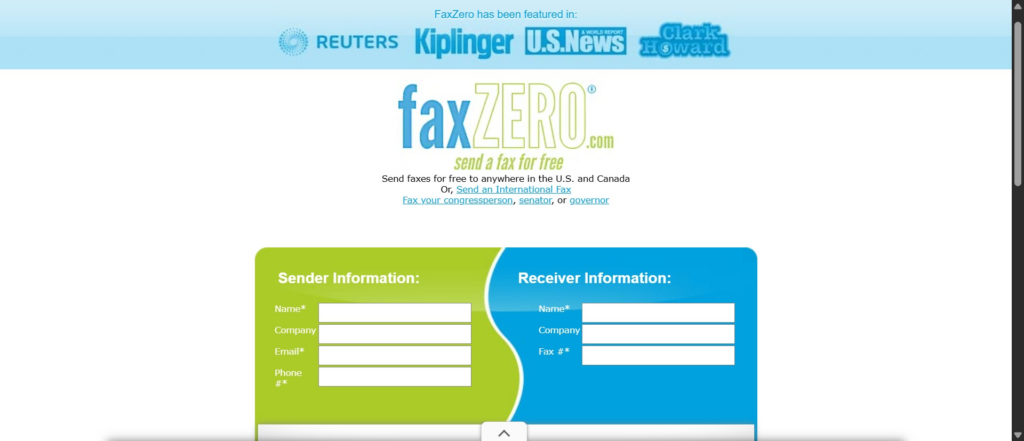
Its permitted use is quite generous if you’re sending many short faxes: five free faxes per day, with up to three document pages plus a cover page per fax. The sacrifice you make is elegance and guidance. Free fax ads will appear on your cover sheet (it will be branded with FaxZero), and FaxZero will not provide you with an incoming fax number.
Ideal use: Users that need to send several outgoing faxes that are short and do not need to receive replies at a personal fax number.
GotFreeFax emphasizes ease of use with web-based sending and cleaner-looking final documents. The free service will send up to two faxes per day with up to three pages per document. The company claims there are no advertisements on the cover page.
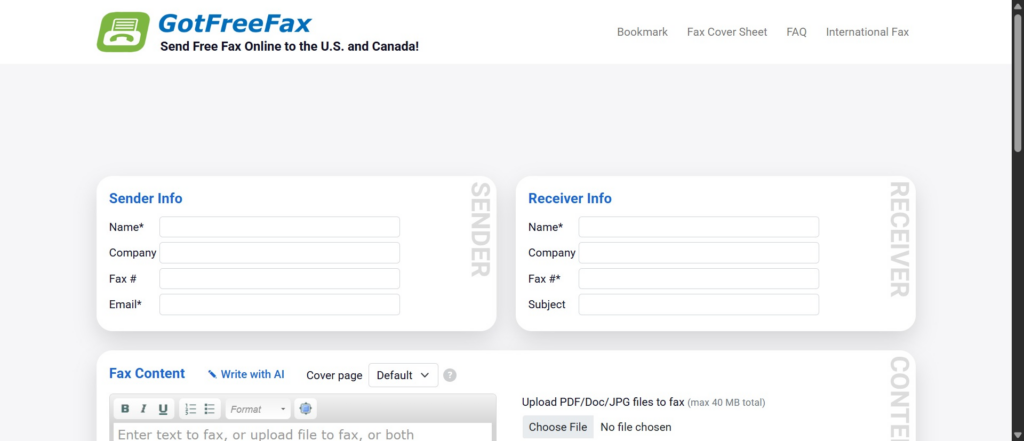
GotFreeFax provides a shared free receiving number that can be used to receive non-confidential or infrequent documents. This is not your private number. It is not an alternative to a private fax inbox.
In this library-workers discussion, someone recommended GotFreeFax as an alternative to FaxZero.
Best fit: The occasional sender of one or two short faxes that don’t require an advertisement on their cover sheet.
Fax.Plus gives you ten total outgoing fax pages when you create a free account. However, this is not a daily allotment like with FaxZero or GotFreeFax. It is ten pages to start your account with, non renewable.
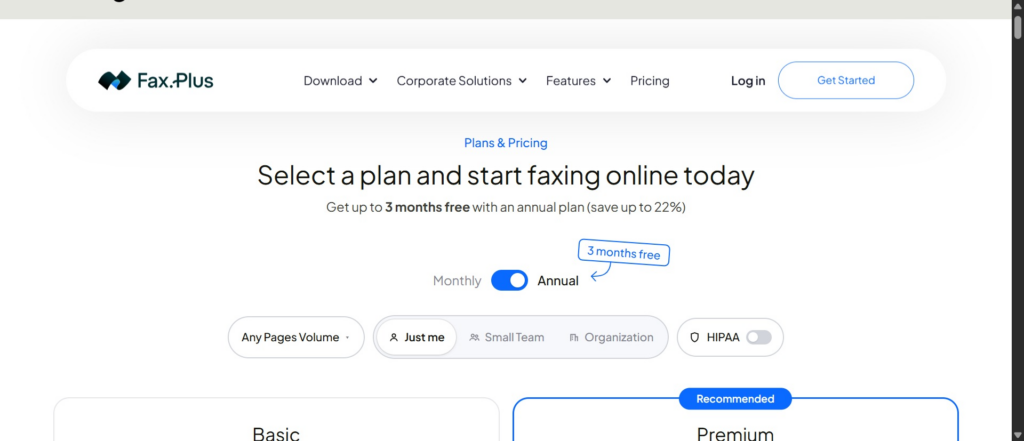
Receiving faxes is not included in the free tier.
Best suited for: Someone who likes having ten pages to start out with and might consider a paid fax platform down the road.
Decide before uploading if you want to send or receive or both. This one question eliminates many otherwise appealing free services.
Find out how the allowance works. Five total pages isn’t the same thing as five faxes per day. Understand document pages, cover pages, per-fax limits and renewal policies instead of reading a headline that just says “free.”
Preview the response. Sometimes the person you send to will need to reply with a signature or approval. If so you will need a number to receive the faxes back. Privacy before you upload. Tax records, legal agreements and medical documents can have very private information on them. Read the provider’s privacy policy, double check the recipient number and inquire as to an acceptable secure method for transmitting private documents. Community discussions surrounding free fax utilities have consistently highlighted the need to take extra precautions with sensitive documents. Just because something is free doesn’t mean it is appropriate for confidential records.
Verify the destination. A few providers have limits that mostly apply to numbers in the US and Canada. There can be different rules and charges for international destinations.
Some are free, but only within defined limits. FaxZero and GotFreeFax allow you to send a certain number of free faxes every day. Fax.Plus limits you to a certain number of outgoing pages overall. And FaxBurner’s free plan gives you limited-time receiving along with a few pages to send.
That’s not the same thing as a free trial that converts into a paid subscription. Take eFax, for instance; instead of offering a free sending tier, it publicly promotes a seven-day free trial. It’s important to know the difference if you only plan to send one fax. Tom’s Guide has a guide comparing free versus paid fax services that makes a similar distinction between infrequent faxing and regular business usage. Note that the prices listed are from 2016.
Choosing the best depends on how many pages and how often you need to send one-way. FaxZero allows several short free faxes each day. GotFreeFax is ideal for a short fax when an unbranded cover page matters. Fax.Plus provides the biggest allotment for a one-time send.
FaxBurner has the best combination for your occasional two way exchange. Send from a phone, computer or email, receive a reply as a PDF, all while using a free temporary number and never having to purchase a fax machine. If you only need to send a few pages and have the possibility of needing something faxed back to you, that overall workflow is why it’s number one.